

A VPN for your Apple TV.
The VPNBaron app runs right on the TV. Sign in with an email code, pick a location and click Connect: every app on your Apple TV goes through the VPN.
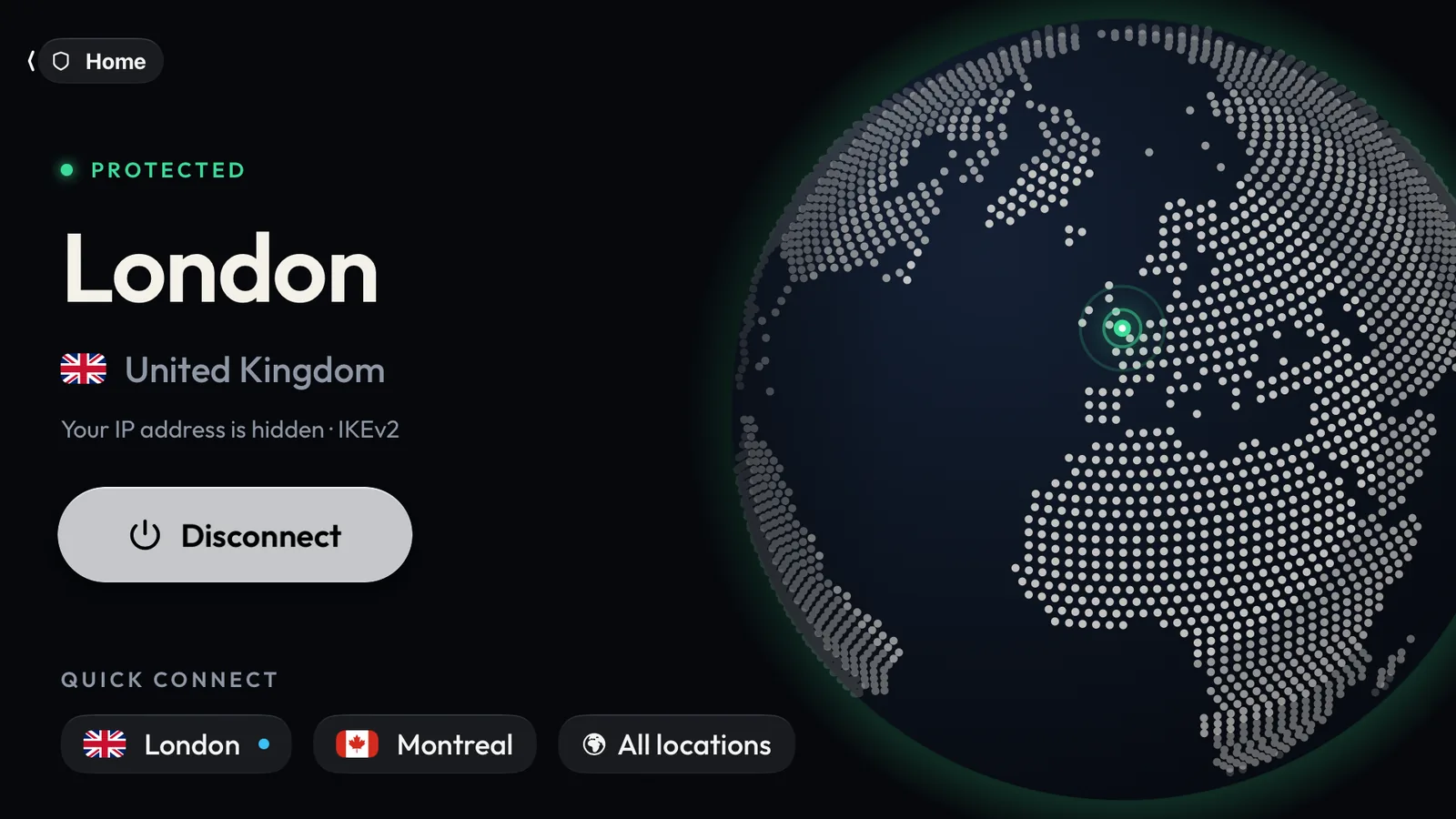
Built for the big screen
A real tvOS app, not a phone app stretched to fit: made for the Siri Remote, with large text you can read from the couch.
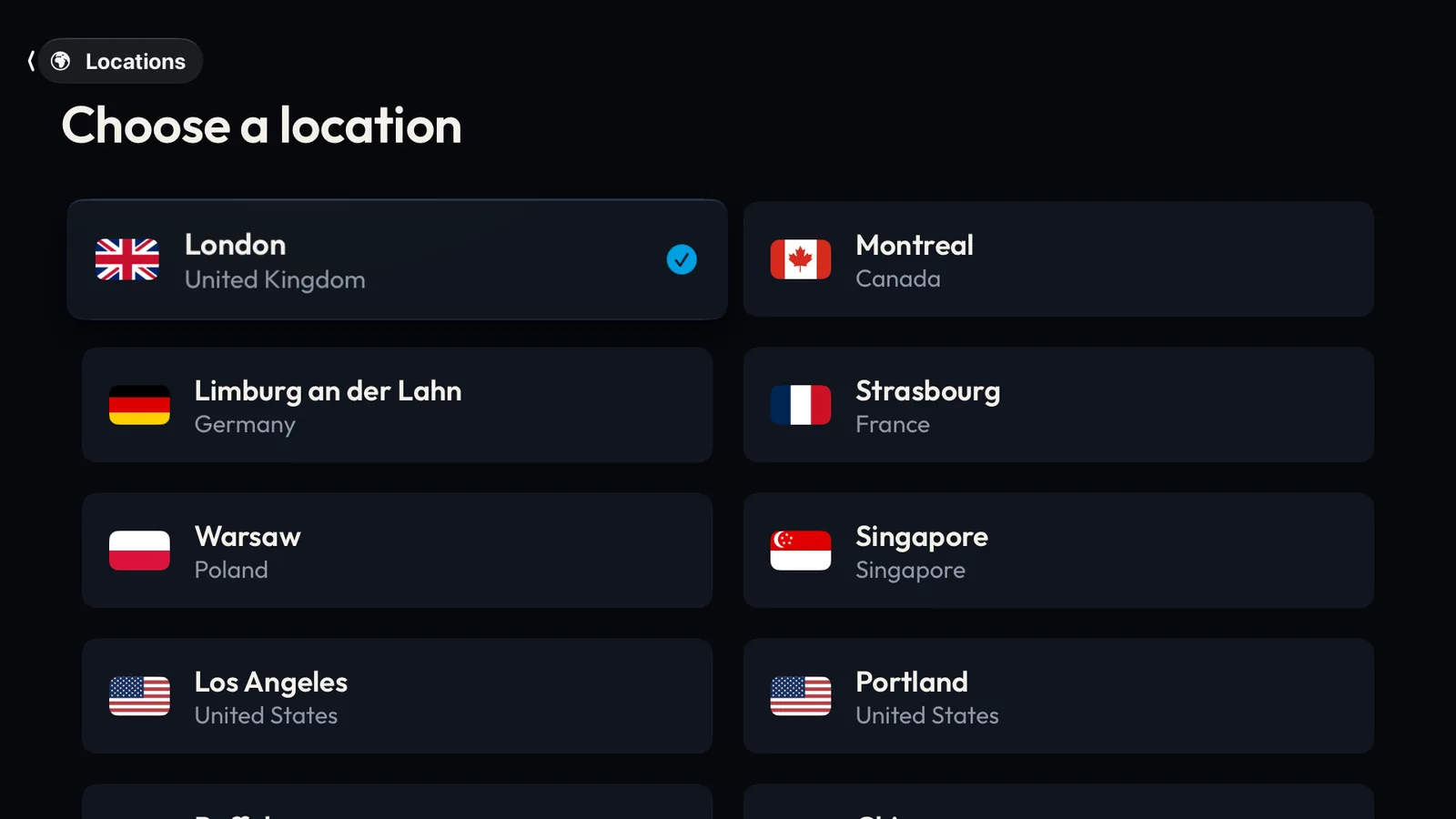
Every location, made for the remote
Big cards with flags, two to a row. Swipe to the one you want and click: Home connects you there.
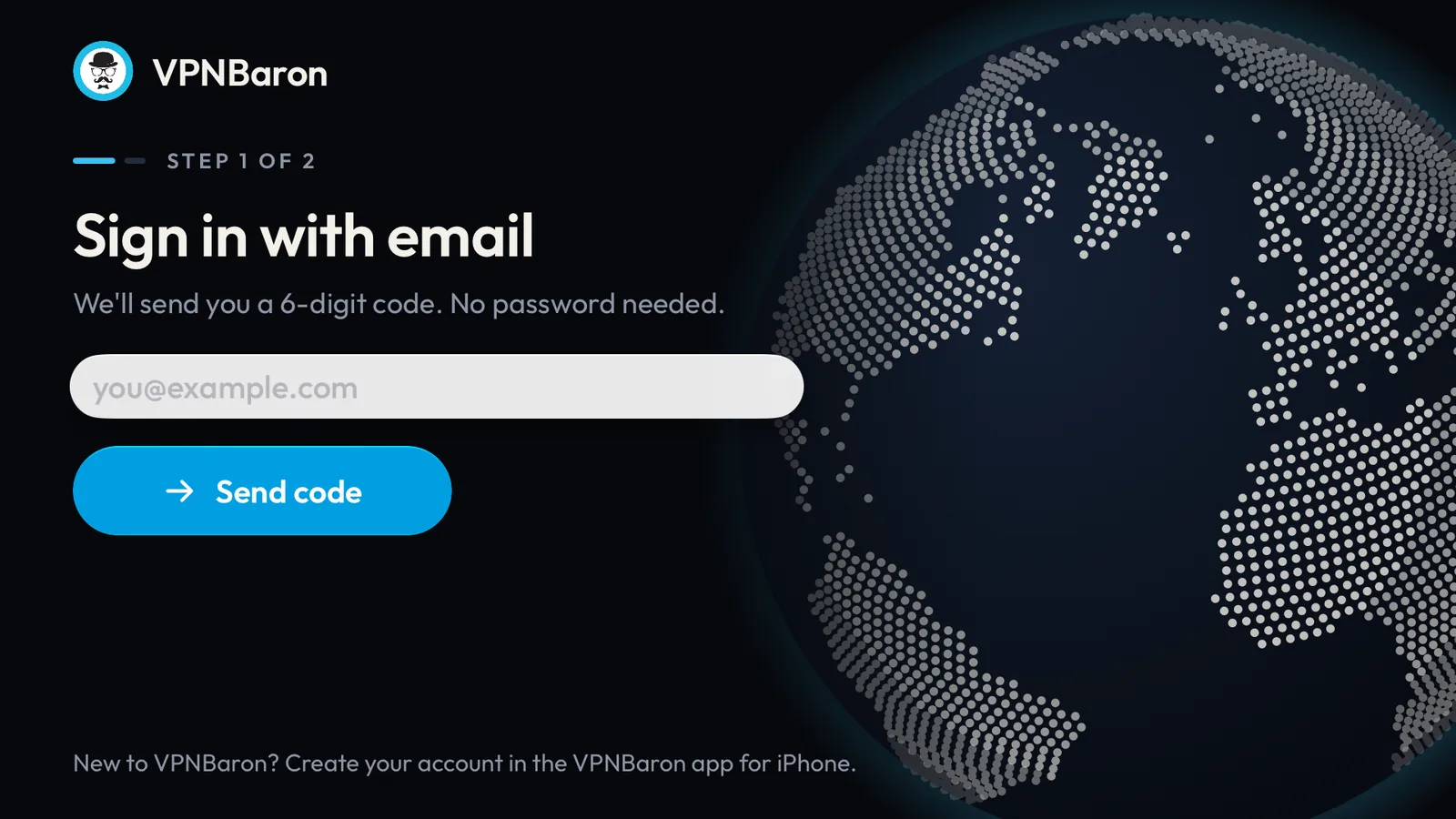
No password to type
Enter your email, then the 6-digit code we send you. That is the whole sign-in, and the TV remembers you.
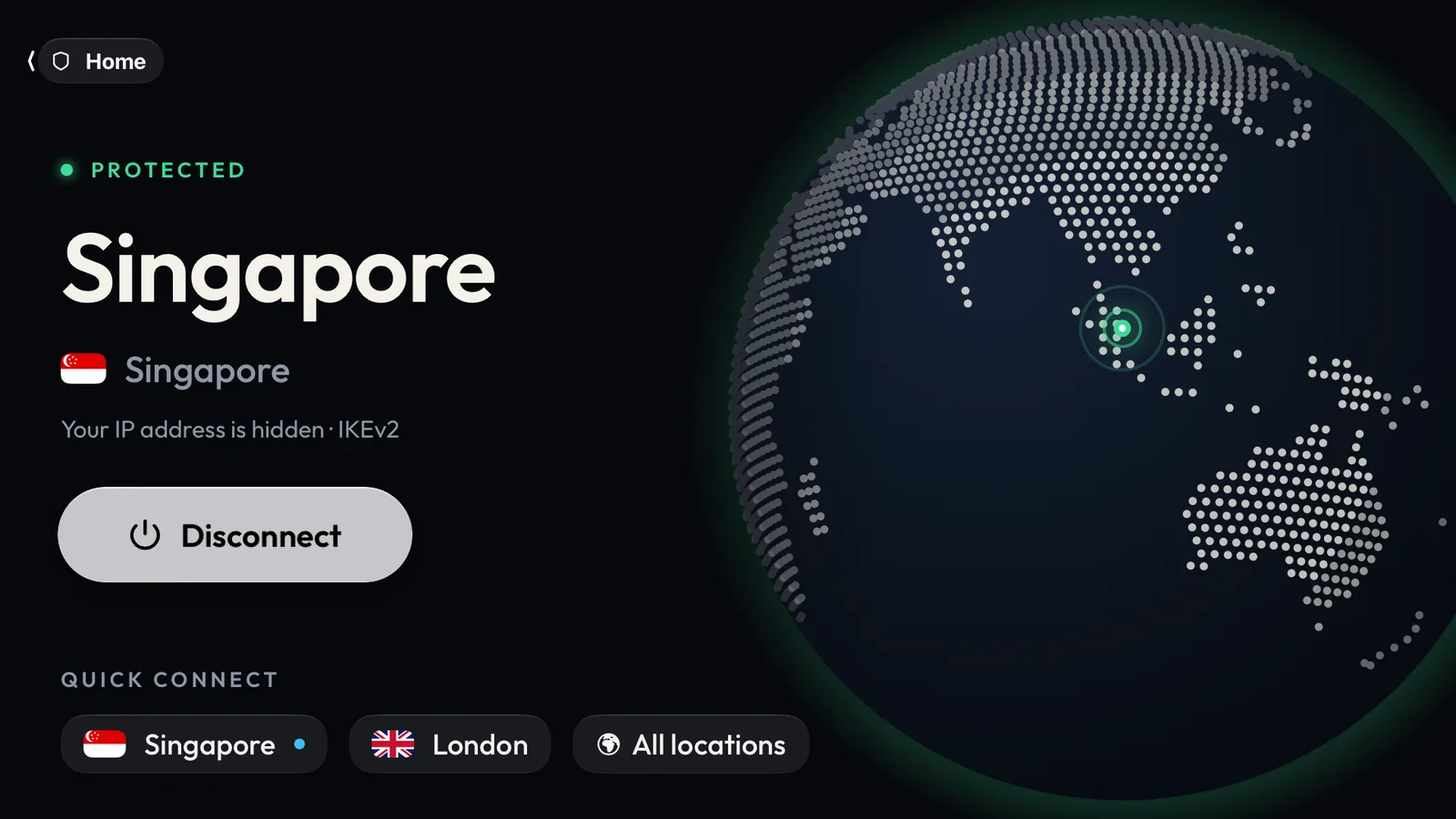
Quick Connect
Your recent locations sit right under the Connect button, so switching is one click from Home.
The whole TV, through the VPN
Apple TV runs VPN apps natively since tvOS 17, so you don't need a VPN router or a second device any more. Connect once in VPNBaron and every app follows: streaming, IPTV, sports and the App Store itself.
- Watch your usual services from home while you travel
- Keep your viewing private from the network you are on
- One click to connect, one click to go back
Fast IKEv2
Stable for streaming, reconnects quickly.
Every location
Americas, Europe, Asia and Australia.
Email-code sign-in
No password to type with the remote.
No logs
We don’t log your browsing, DNS or traffic.
Set up in a minute
Three steps on the TV. Full guide with screenshots.
- 1
Install
On your Apple TV, open the App Store, search for VPNBaron and install it.
- 2
Sign in
Enter your email and the 6-digit code from your inbox. No account yet? Create one first.
- 3
Connect
Pick a location and click Connect. Every app on the TV now goes through the VPN.
The same account works in our apps for iPhone & iPad, Mac, Windows, Android and Android TV.
One plan for the TV and everything else
Every app, every location, unlimited data. Subscribe here, or in the Apple TV app with your Apple Account.
1 Month Plan
Billed monthly· Most flexible
- 3 Simultaneous Devices
- Unlocks streaming
- Anti-DPI stealth + Pathfinder
- All protocols, WireGuard included
- Unlimited Bandwidth
- Priority Support
- Instant Setup
12 Months Plan
€59.99 billed once a year(Save 62%)
- 5 Simultaneous Devices
- Unlocks streaming
- Anti-DPI stealth + Pathfinder
- All protocols, WireGuard included
- Unlimited Bandwidth
- Priority Support
- Instant Setup
6 Months Plan
€44.99 billed every 6 months(Save 42%)
- 4 Simultaneous Devices
- Unlocks streaming
- Anti-DPI stealth + Pathfinder
- All protocols, WireGuard included
- Unlimited Bandwidth
- Priority Support
- Instant Setup
Apple TV VPN FAQ
Can you use a VPN on Apple TV?
Yes. Apple TV runs VPN apps natively since tvOS 17, so you no longer need a VPN router or a second device. Install the VPNBaron app from the App Store on the TV, sign in and connect: every app on the Apple TV then goes through the VPN.
Which Apple TV do I need?
An Apple TV running tvOS 26 or newer. To check, open Settings > General > About on the TV. If an update is waiting, install it from Settings > System > Software Updates.
How do I sign in with the remote?
With your email address and a 6-digit code, so there is no password to type. Enter your email, and we send the code to your inbox; type it on the TV and you are in. New to VPNBaron? Create your account at vpnbaron.com or in the VPNBaron iPhone app first.
Can I subscribe on the Apple TV?
Yes. Signed in without a plan, the app shows the plans and you can subscribe with your Apple Account, right on the TV. A plan you already have from vpnbaron.com or another VPNBaron app works on the Apple TV too.
Does every app on the Apple TV go through the VPN?
Yes. Once VPNBaron is connected, all the TV's traffic goes through the VPN: streaming apps, IPTV, sports, games and the App Store itself. Disconnect in the app to go back to your normal connection.
Which protocol does the Apple TV app use?
IKEv2, which is fast and stable for streaming and works on home networks and most others. The stealth protocols (VLESS Reality and Hysteria2), for networks that block VPNs, are in the VPNBaron apps for Windows, Mac, Linux, iPhone and Android.
Is it the same account as on my other devices?
Yes. One VPNBaron account and plan covers your Apple TV, iPhone, iPad, Mac, Windows PC, Linux computer and Android devices, with every location included.
Put your Apple TV on VPNBaron.
Download the app, sign in with your email, and connect from the couch.
From €4.99/mo