

Download VPNBaron for Android TV
Get VPNBaron for your Android TV or Google TV on Google Play. Every app on the TV goes through the VPN, streaming and IPTV apps included.
Android TV or Google TV, on the TV or a stick or box · 7-day money-back guarantee
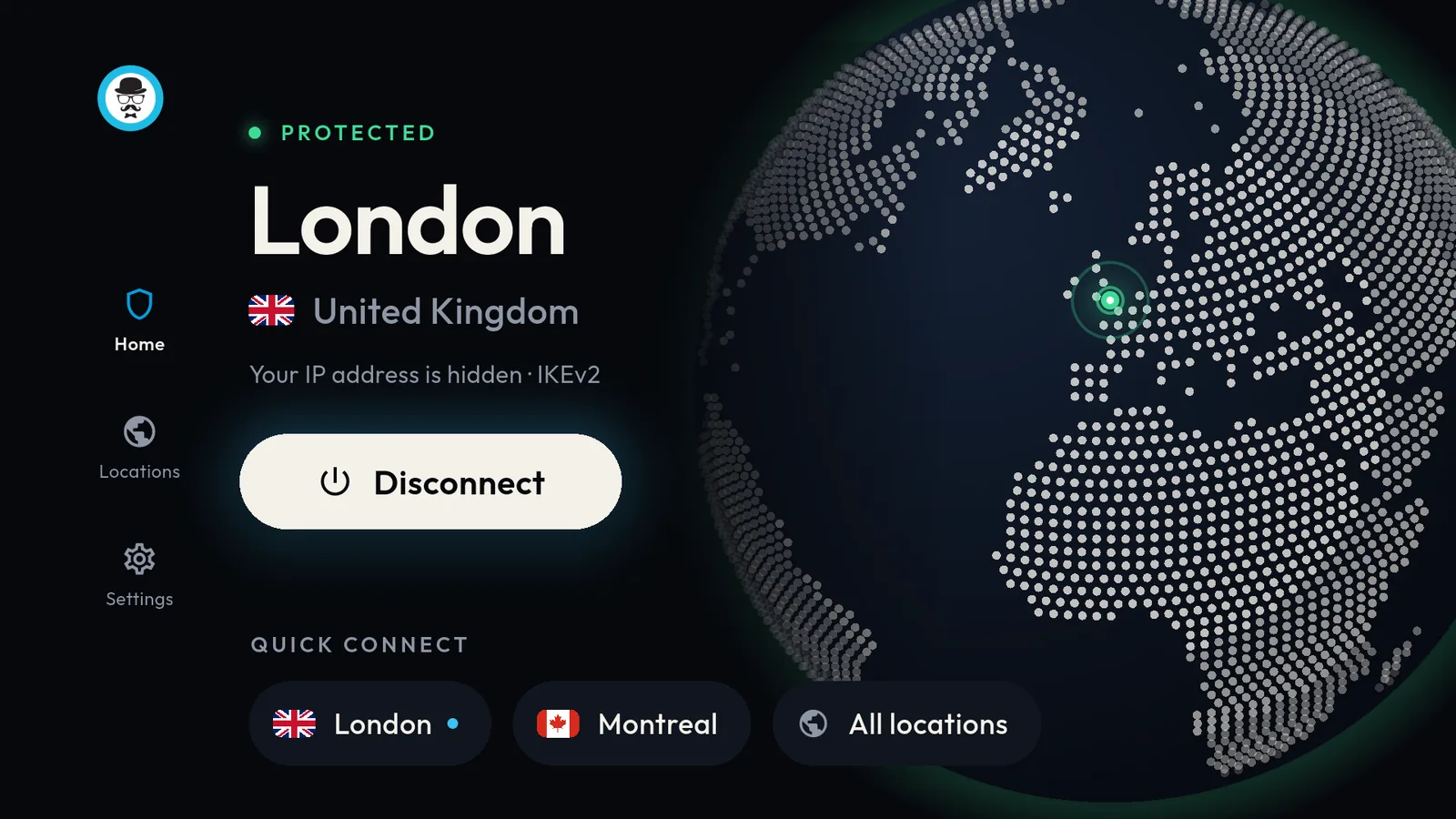
Set up in minutes
- 1
On the TV, open Google Play, search for VPNBaron and install it.
- 2
Open VPNBaron and enter your account's email. Type in the 6-digit code we email you; there's no password.
- 3
Choose a location: one near you for speed, or the country your streaming service needs.
- 4
Select Connect and allow the VPN. Then open your streaming app.
On a restricted network?
The TV app connects with IKEv2 or OpenVPN. If your network blocks those, add our stealth protocols to the Hiddify app on the TV instead. Hiddify on Android TV →
- Every protocol included
- No browsing or DNS logs
- Unlimited bandwidth
- Up to 5 devices