How to run a VPN on an ARM server (Ubuntu 24.04, arm64)
Run a VPN on an ARM64 cloud server such as Oracle Ampere, AWS Graviton or Hetzner. Install with one command, connect from the terminal, and keep your SSH session up.
By the VPNBaron team · Updated 2 October 2026 · 4 min read
ARM servers are everywhere now: Oracle Cloud’s free Ampere instances, AWS Graviton, Hetzner’s CAX line, Google’s Axion. Plenty of Linux VPN clients still only come for x86, though. VPNBaron’s Linux package is built for 64-bit ARM too, and VPNBaron CLI runs it from an SSH session, no desktop needed. We ran every step below on a fresh Ubuntu 24.04 arm64 server.
Why run a VPN on a server?
- Test from another country. Check how your site, API or app behaves for users in London, Singapore or Los Angeles.
- Reach what’s blocked where the server is. A server in a filtered country can still fetch packages, images and APIs through the tunnel.
- Keep the server’s outgoing traffic private from the network it sits on.
1. Install with one command
curl -fsSL https://vpnbaron.com/download/linux/install.sh | shDownloading VPNBaron 1.1.3 (arm64)…
######################################################################## 100.0%
Installing…
…
VPNBaron 1.1.3 is installed.The script picks the arm64 package, checks it against its published checksum, refreshes the package lists and installs it with apt, OpenVPN included. The package also contains the desktop app, so on a minimal server the first install pulls in about 160 libraries: roughly 140 MB to download and 670 MB of disk.
2. Sign in
There’s no password: VPNBaron sends a 6-digit code to your email.
$ vpnbaron login
Email: you@example.com
We sent a 6-digit code to you@example.com. (Check spam if it doesn't arrive.)
Code: 123456
✓ Signed in as you@example.com — VPNBaron Premium Yearly until 2027-06-03
3. Connect
List the locations, then connect by ID:
$ vpnbaron servers
ID          LOCATION
uk1         London, United Kingdom
ca1         Montreal, Canada
de1         Frankfurt, Germany
fr1         Strasbourg, France
pl1         Warsaw, Poland
sg1         Singapore
…
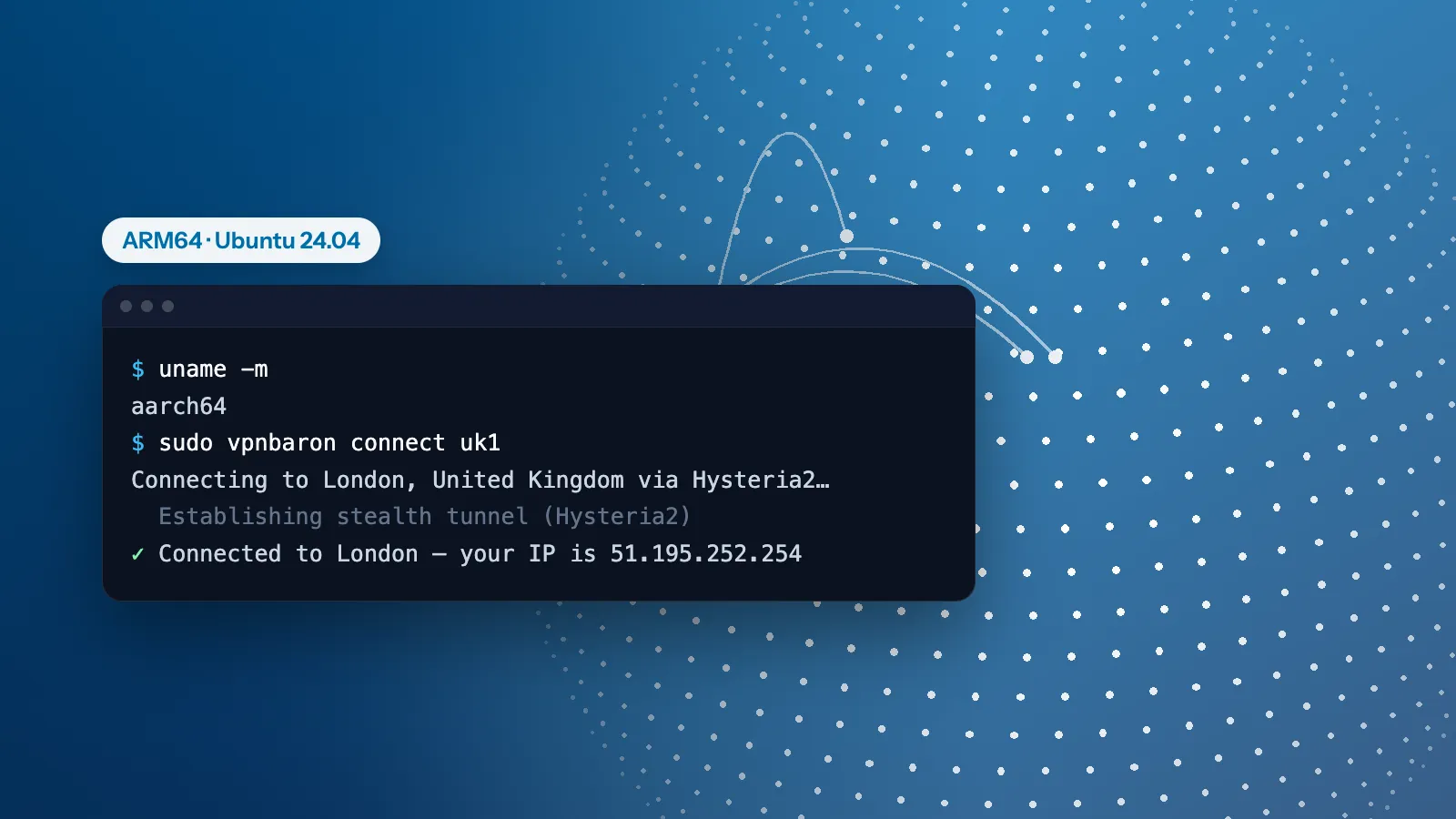
$ sudo vpnbaron connect uk1
Connecting to London, United Kingdom via Hysteria2…
  Establishing stealth tunnel (Hysteria2)
✓ Connected to London — your IP is 51.195.252.254
Over SSH there’s no desktop session to approve the connection, so connect with sudo; it still uses your own sign-in. Without -p, VPNBaron CLI uses the protocol that last worked (Hysteria2 the first time) and switches to the other stealth protocol by itself if a network blocks it.
4. Check it
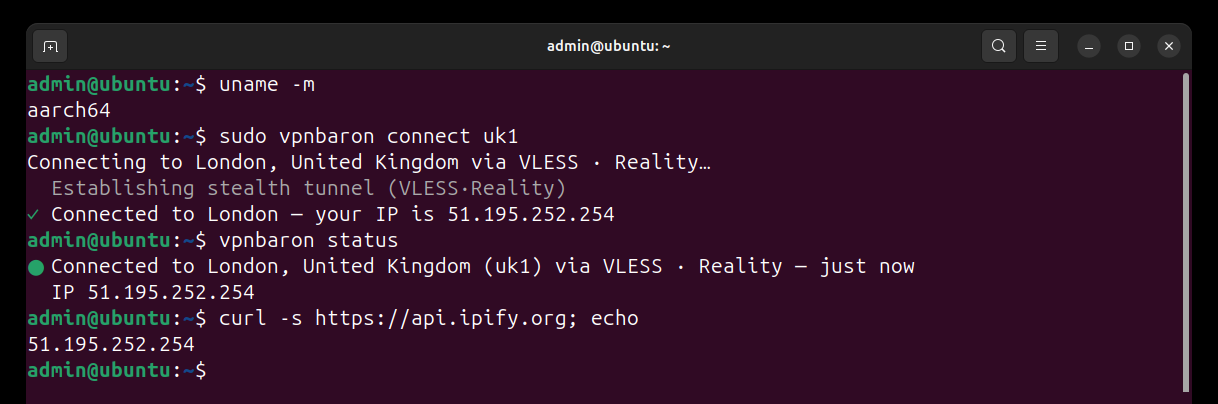
vpnbaron status shows the connection, and any IP-check service shows the server’s new address:
$ vpnbaron status
● Connected to London, United Kingdom (uk1) via Hysteria2 — just now
  IP 51.195.252.254
$ curl -s https://api.ipify.org
51.195.252.254
Will connecting cut my SSH session?
Not with Hysteria2 or VLESS Reality, the protocols VPNBaron CLI uses by default. Their tunnel takes the server’s own outgoing traffic but leaves alone anything sent from the server’s own network address, and that’s exactly what replies to your SSH session are. Linux shows it: a new connection goes into the tunnel, a reply from the server’s address goes out the normal way.
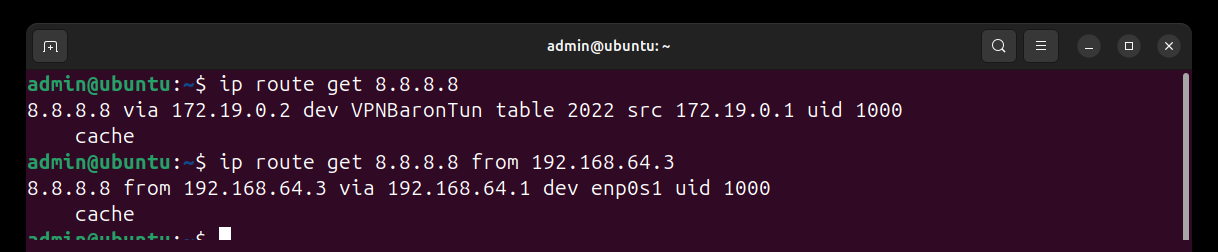
With OpenVPN it does. If you connect with -p udp or -p tcp, OpenVPN routes everything, replies to your SSH client included, through the tunnel, and your session freezes. Add two rules first, from the same SSH session:
IFACE=$(ip route show default | awk '{print $5; exit}')
GW=$(ip route show default | awk '{print $3; exit}')
ADDR=$(ip -4 addr show dev "$IFACE" | awk '/inet /{sub("/.*", "", $2); print $2; exit}')
sudo ip route add default via "$GW" dev "$IFACE" table 128
sudo ip rule add from "$ADDR" table 128 priority 100
The first three lines find your network interface, gateway and address; the last two send anything from that address out the normal way. On our test server, with OpenVPN connected:
$ ip route get 8.8.8.8 from 192.168.64.4      # before the rules: into the tunnel
8.8.8.8 from 192.168.64.4 via 192.168.202.1 dev tun0
$ ip route get 8.8.8.8 from 192.168.64.4      # after: the normal way
8.8.8.8 from 192.168.64.4 via 192.168.64.1 dev enp0s1 table 128
Everything else still goes through the VPN. The rules last until the next reboot; to remove them sooner:
sudo ip rule del from "$ADDR" table 128 priority 100
sudo ip route flush table 128Disconnect, update, remove
sudo vpnbaron disconnect
curl -fsSL https://vpnbaron.com/download/linux/install.sh | sh   # update to the latest version
sudo apt remove vpnbaron                                          # remove it
VPNBaron doesn’t reconnect by itself after a reboot: run sudo vpnbaron connect again. In scripts, vpnbaron status ends with exit code 0 when connected and 1 when not, and the full connection log is in sudo journalctl -u vpnbaron. Every command is in the VPNBaron CLI guide.
VPNBaron
One plan for your servers, laptop and phone
Every location, stealth protocols included, in VPNBaron CLI on your Linux machines and in the apps for Windows, Mac, iPhone and Android.
More in Linux & servers·Related: VPNBaron for Linux