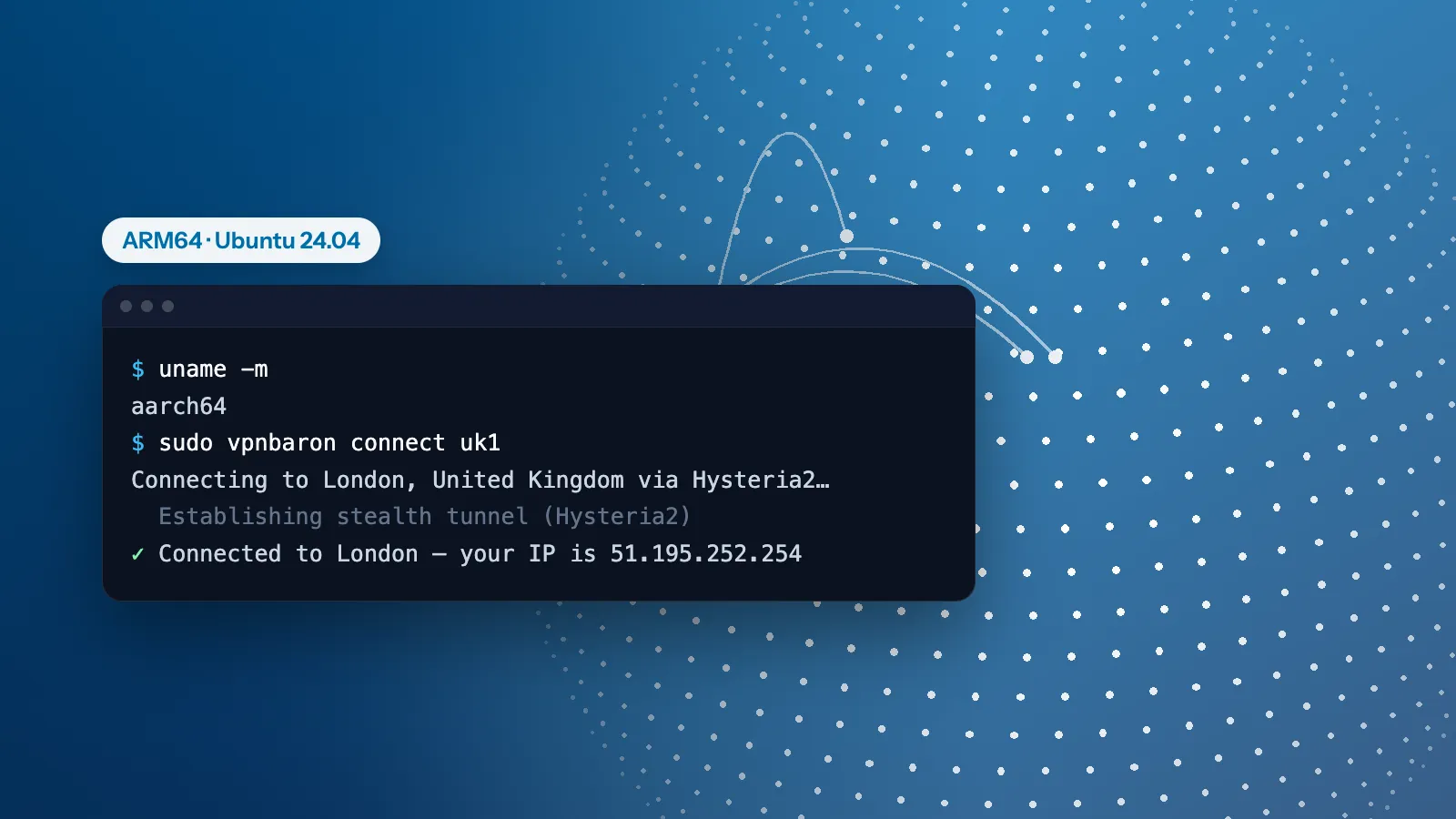
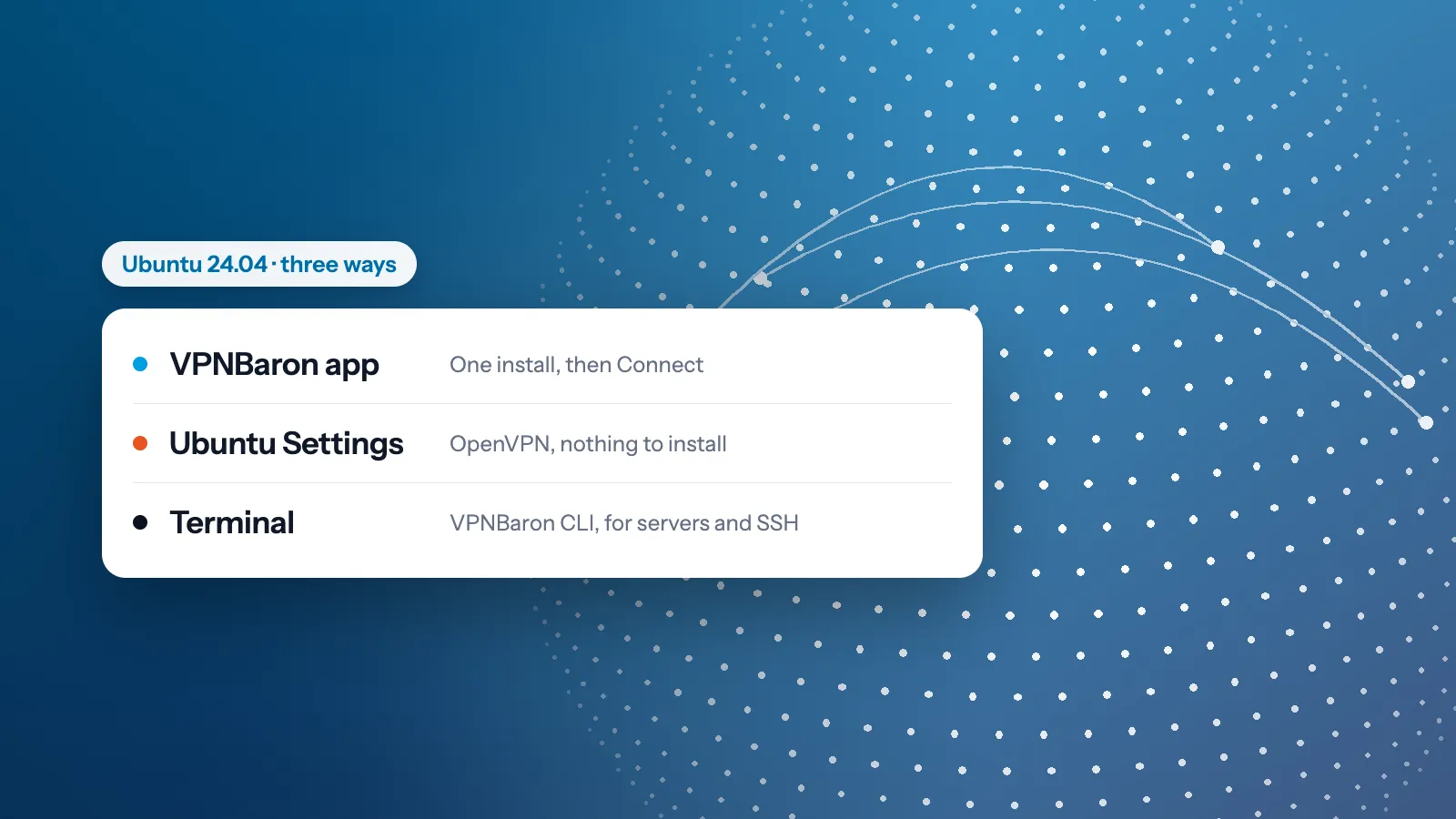
Hysteria2 and VLESS Reality on Linux: setup with sing-box or VPNBaron CLI
Run Hysteria2 and VLESS Reality on Linux, with VPNBaron CLI in one command or with sing-box and a config file you control. Tested on Ubuntu 24.04, configs included.
By the VPNBaron team · Updated 2 October 2026 · 6 min read
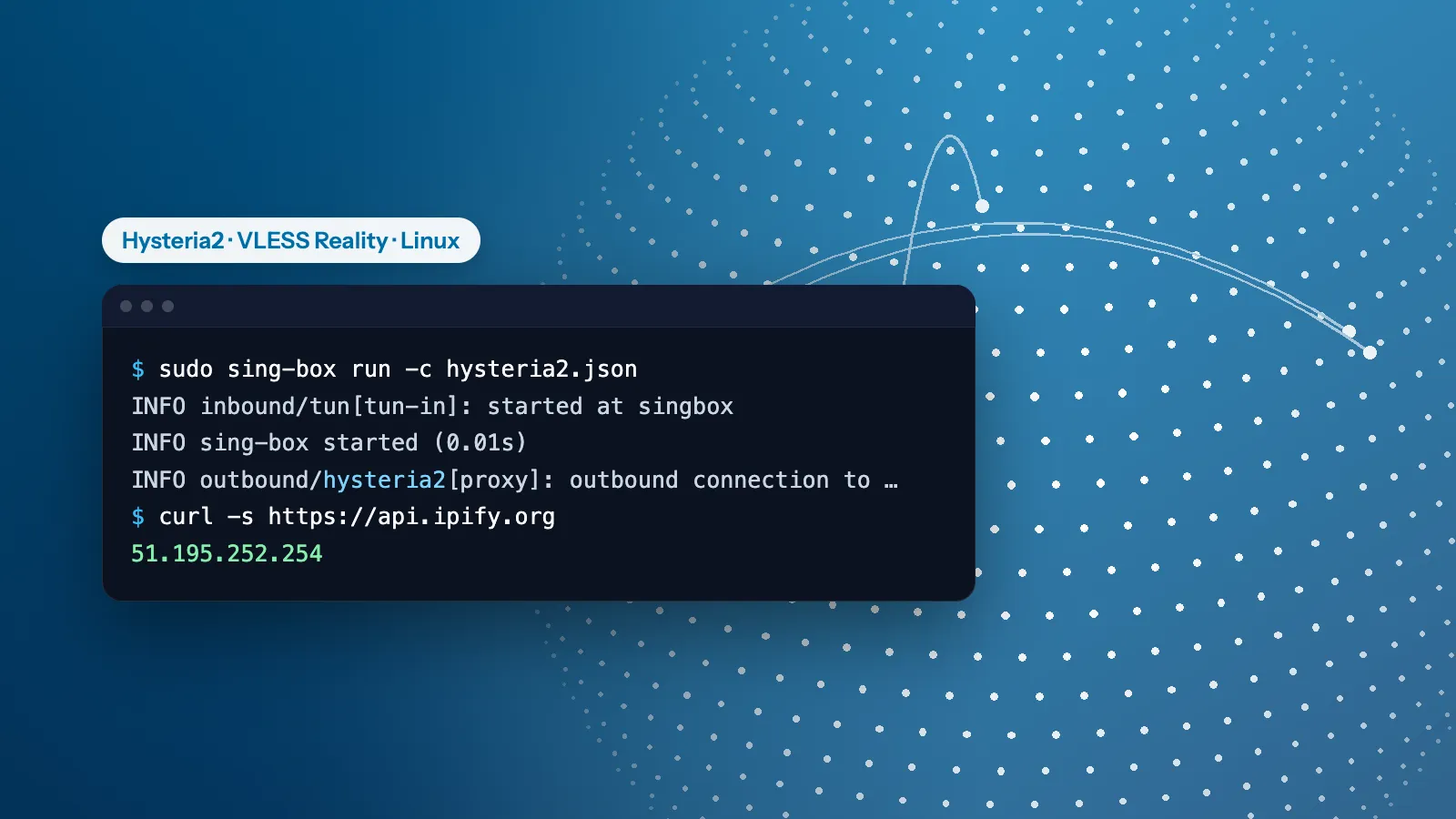
Hysteria2 and VLESS Reality are the two protocols that keep a VPN working on networks that block ordinary VPNs. On Linux there are two good ways to run them: VPNBaron CLI, which needs one command and no config, and sing-box, the open-source engine behind many stealth apps, which you set up with a small config file. We ran both on Ubuntu 24.04, and every command and config below is the one we used.
Hysteria2 or VLESS Reality?
Hysteria2 runs over QUIC on UDP port 443 and is the faster of the two, especially on long-distance or patchy connections. Some networks block or throttle UDP, and there it struggles. VLESS Reality runs over TCP port 443 and borrows the handshake of a real website (www.apple.com on our servers), so to a firewall it looks like an ordinary visit to that site. It gets through stricter networks. Start with Hysteria2; switch to VLESS Reality if it won’t connect. The full comparison: Hysteria2 vs VLESS Reality.
Option 1: VPNBaron CLI
Install it with one command (it comes with the VPNBaron app for Linux and needs Ubuntu 24.04 or newer, or Debian 13 or newer), then sign in with a code from your email:
curl -fsSL https://vpnbaron.com/download/linux/install.sh | sh
vpnbaron login
Then connect, choosing the protocol with -p:
vpnbaron connect uk1 -p hy2      # Hysteria2
vpnbaron connect uk1 -p vless    # VLESS Reality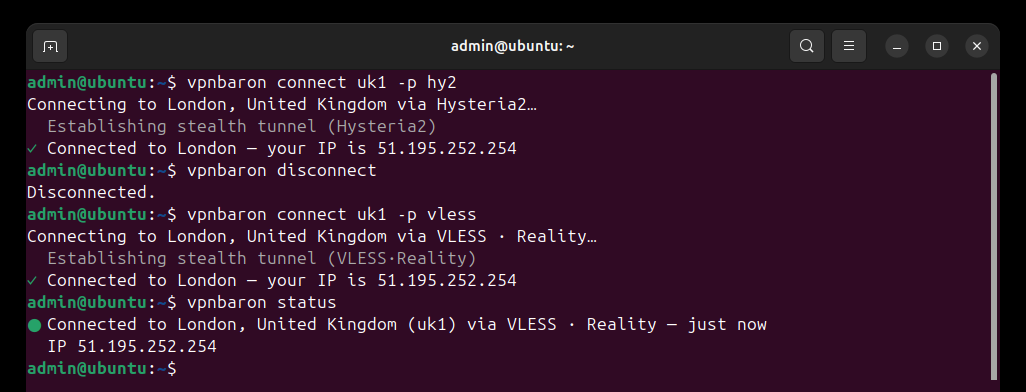
Without -p, it uses the protocol that last worked and switches between the two by itself if the network blocks one. vpnbaron servers lists the locations; every command is in the VPNBaron CLI guide.
Option 2: sing-box
1. Install sing-box
sing-box has an official install script that picks the right package for your system (Debian and Ubuntu, Fedora, Arch and others). It saves the package in the current folder, so run it from your home folder:
cd ~
curl -fsSL https://sing-box.app/install.sh | sh
sing-box version
2. Get your connection details
Your stealth link, on the Stealth page of your VPNBaron account, holds one entry per location and protocol. Apps like Hiddify import it directly; for sing-box, print the entries in a terminal:
curl -s 'YOUR_STEALTH_LINK' | base64 -dYou’ll see lines like these (the capitals stand for your own values):
hysteria2://PASSWORD@SERVER:443?sni=SERVER#United Kingdom London
vless://UUID@SERVER:443?encryption=none&security=reality&type=tcp&flow=xtls-rprx-vision&sni=SNI&fp=chrome&pbk=PUBLIC_KEY&sid=SHORT_ID#United Kingdom London (Reality)
Pick the location you want. Each part of the line goes into one field of the config:
| In the line | In the sing-box config |
|---|---|
PASSWORD (Hysteria2) or UUID (VLESS), before the @ |
password or uuid |
SERVER:443 |
server and server_port |
sni= |
tls.server_name |
flow= |
flow |
fp= |
tls.utls.fingerprint |
pbk= |
tls.reality.public_key |
sid= |
tls.reality.short_id |
Keep your stealth link and these values private: anyone with them can use your subscription.
3. Write the config
Save this as hysteria2.json, with your values in place of the capitals:
{
  "log": { "level": "info", "timestamp": true },
  "dns": {
    "servers": [
      { "type": "tcp", "tag": "remote", "server": "1.1.1.1", "detour": "proxy" },
      { "type": "local", "tag": "local" }
    ],
    "final": "remote",
    "strategy": "ipv4_only"
  },
  "inbounds": [
    {
      "type": "tun",
      "tag": "tun-in",
      "interface_name": "singbox",
      "address": ["172.19.0.1/30"],
      "auto_route": true,
      "strict_route": true
    }
  ],
  "outbounds": [
    {
      "type": "hysteria2",
      "tag": "proxy",
      "server": "SERVER",
      "server_port": 443,
      "password": "PASSWORD",
      "tls": { "enabled": true, "server_name": "SERVER", "alpn": ["h3"] }
    },
    { "type": "direct", "tag": "direct" }
  ],
  "route": {
    "rules": [
      { "action": "sniff" },
      { "protocol": "dns", "action": "hijack-dns" }
    ],
    "final": "proxy",
    "auto_detect_interface": true,
    "default_domain_resolver": "local"
  }
}
What it does: the tun inbound sends all of the computer’s traffic through sing-box, and the proxy outbound carries it to the server. Your DNS lookups go through the tunnel to 1.1.1.1, so your internet provider doesn’t see them; only the server’s own name is looked up the normal way, before the tunnel is up.
For VLESS Reality, save this as vless-reality.json. Only the outbound changes, plus one rule at the end:
{
  "log": { "level": "info", "timestamp": true },
  "dns": {
    "servers": [
      { "type": "tcp", "tag": "remote", "server": "1.1.1.1", "detour": "proxy" },
      { "type": "local", "tag": "local" }
    ],
    "final": "remote",
    "strategy": "ipv4_only"
  },
  "inbounds": [
    {
      "type": "tun",
      "tag": "tun-in",
      "interface_name": "singbox",
      "address": ["172.19.0.1/30"],
      "auto_route": true,
      "strict_route": true
    }
  ],
  "outbounds": [
    {
      "type": "vless",
      "tag": "proxy",
      "server": "SERVER",
      "server_port": 443,
      "uuid": "UUID",
      "flow": "xtls-rprx-vision",
      "tls": {
        "enabled": true,
        "server_name": "SNI",
        "utls": { "enabled": true, "fingerprint": "chrome" },
        "reality": { "enabled": true, "public_key": "PUBLIC_KEY", "short_id": "SHORT_ID" }
      }
    },
    { "type": "direct", "tag": "direct" }
  ],
  "route": {
    "rules": [
      { "action": "sniff" },
      { "protocol": "dns", "action": "hijack-dns" },
      { "network": "udp", "port": 443, "action": "reject" }
    ],
    "final": "proxy",
    "auto_detect_interface": true,
    "default_domain_resolver": "local"
  }
}
The last rule turns away browsers’ QUIC (UDP 443) traffic, so they fall back to ordinary HTTPS, which VLESS Reality carries best.
Check a config before using it. No output means it’s fine:
sing-box check -c hysteria2.json4. Connect
sudo sing-box run -c hysteria2.json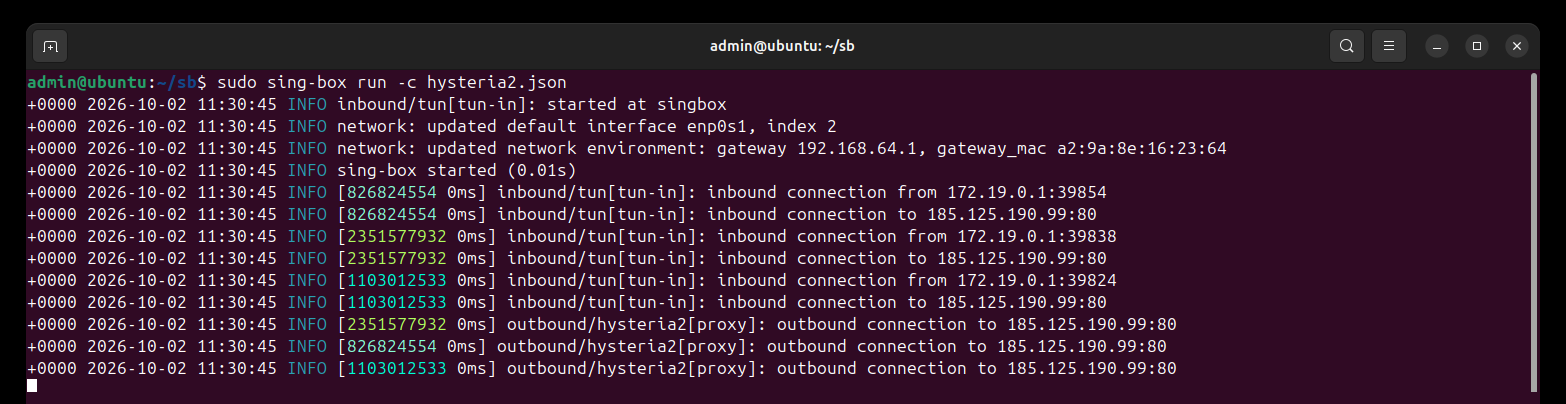
The VPN stays up while the command runs. Press Ctrl+C to disconnect.
5. Check that it works
In a second terminal, check the address websites see, then watch your real network connection for DNS lookups while you open a few websites. Find the connection’s name with ip route show default (it’s after dev; ours is enp0s1):
curl -s https://api.ipify.org
sudo tcpdump -ni enp0s1 port 53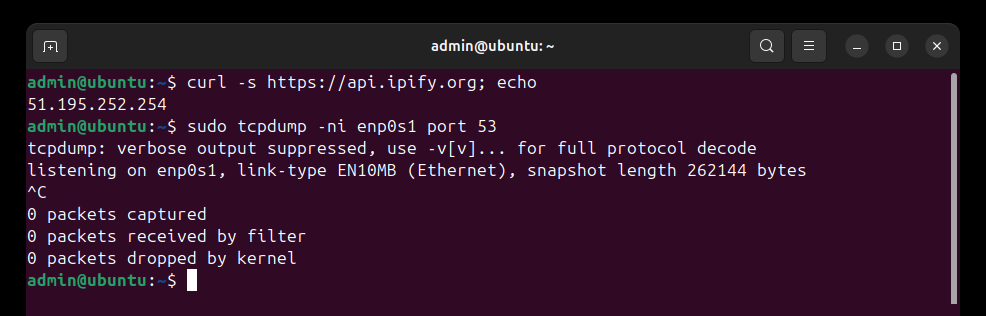
Stop tcpdump with Ctrl+C. It should catch nothing, because your lookups travel inside the tunnel. Right after connecting you may see a reverse lookup or two for your own local address; they say nothing about the sites you visit.
Run it in the background
The package includes a sing-box service. Copy your config over the sample one it installs (a Shadowsocks server example; replace it rather than adding yours next to it, since the service reads every .json file in /etc/sing-box), then start it:
sudo install -m 640 -o root -g sing-box hysteria2.json /etc/sing-box/config.json
sudo systemctl enable --now sing-box
The VPN now starts with the computer. sudo systemctl disable --now sing-box turns it off, and journalctl -u sing-box shows its log.
On a server over SSH
Both ways keep your SSH session up: with Hysteria2 and VLESS Reality, replies to your SSH client keep their normal route, while everything the server starts goes through the tunnel. We checked the routes on our test machine. On a remote server, still try it first with your provider’s web console at hand. More in How to run a VPN on an ARM server.
If it doesn’t connect
- Hysteria2 times out: the network probably blocks UDP. Use VLESS Reality.
sing-box checkreports an error: usually a missing comma or quote in the JSON. The message gives the line.- Authentication or handshake errors in the log: copy the values from your link again; a single wrong character in the password, UUID or public key is enough.
- VLESS Reality connects but some sites hang: make sure the UDP 443 rule is in the config.
- Both are blocked: some networks block even these. Try another location, and contact support with the last lines of the log.
VPNBaron
Stealth on every device you own
Hysteria2 and VLESS Reality on every location, in VPNBaron CLI and the apps for Windows, Mac, Linux, iPhone and Android, or in sing-box with your stealth link.
More in Linux & servers·Related: VPNBaron for Linux