Hiddify is a free, open-source client that speaks the whole modern stealth family. Your VPNBaron Stealth subscription plugs straight into it, with both protocols included: VLESS Reality (maximum stealth, looks like ordinary HTTPS) and Hysteria2 (fast on weak or throttled networks). It’s the client we recommend on Windows and Linux; V2Box covers iOS, macOS and Android but has no Linux desktop app. On Ubuntu 24.04+ and Debian 13+, the VPNBaron app for Linux includes both protocols too, with no subscription link to import.
The screenshots below are from Hiddify on Linux (tested on Linux Mint 22.2 / Ubuntu 24.04, Hiddify 4.1.1). The Windows app uses the same interface and the same import/connect flow; only the installer differs.
Your Stealth subscription link lives on the Hysteria2 · VLESS page of your account: log in and open vpnbaron.com/stealth (under “Stealth proxy protocols” in the sidebar). Pick your device and you’ll find the link with a Copy link button, plus a QR code for mobile imports. It requires an active plan.
Do not share this link publicly: anyone who has it can use your subscription.
Setup Guide
Install Hiddify
Get it from your device’s app store, the easiest way to install it and keep it updated:
Windows: the Hiddify-Windows-Setup-x64.exe installer
Linux: the Hiddify-Linux-x64.AppImage (make it executable and run it), or the .deb package on Ubuntu/Mint/Debian for a normally installed app
Open Hiddify and click Start on the welcome screen.
Add your VPNBaron subscription
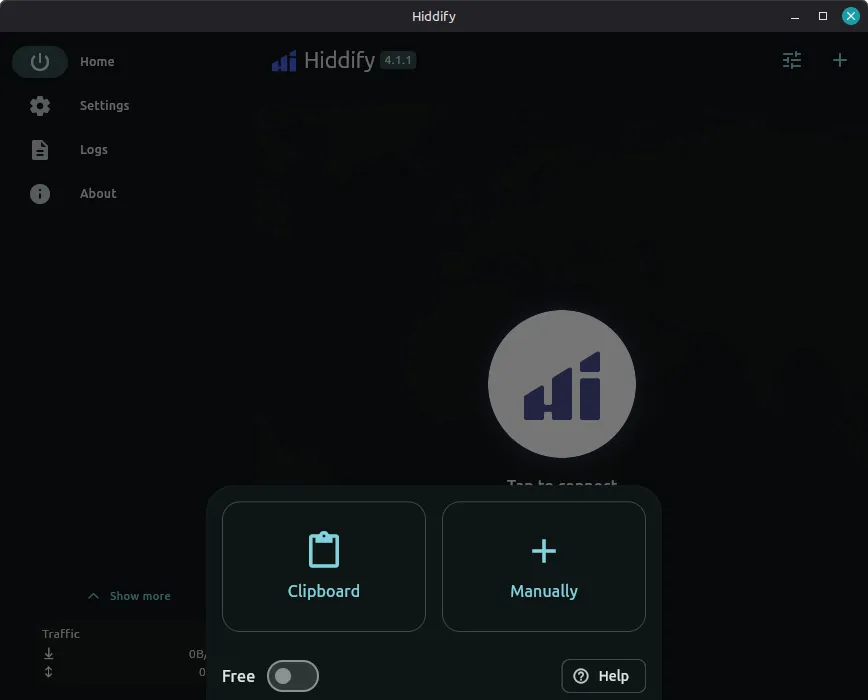
On the home screen, click the + button in the top-right corner. Two import methods are useful:
Clipboard: copy your subscription link first, then click Clipboard. Done.
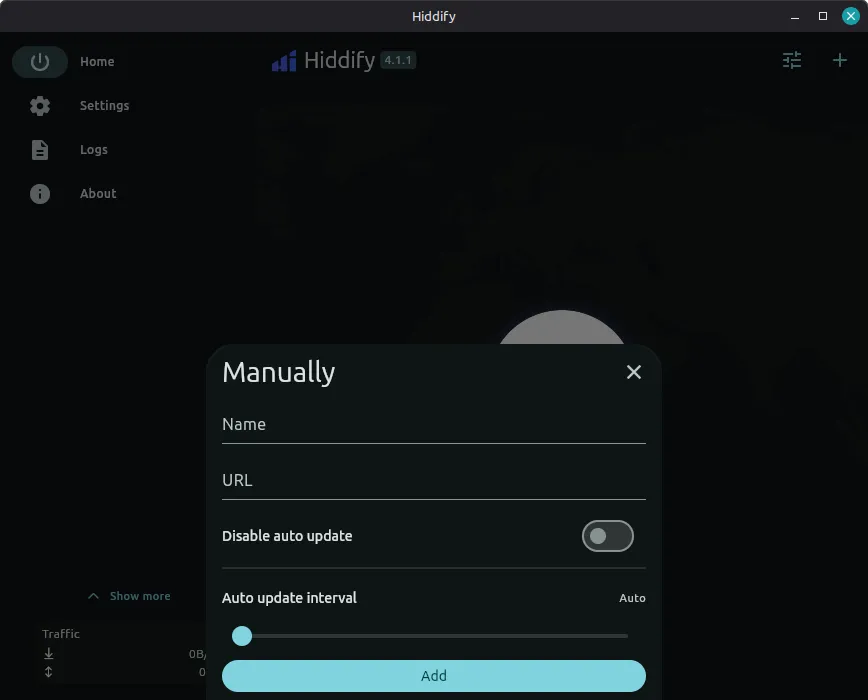
Manually: paste the link yourself.
For the manual method, enter a name (e.g. VPNBaron Stealth), paste your subscription link as the URL, and click Add.
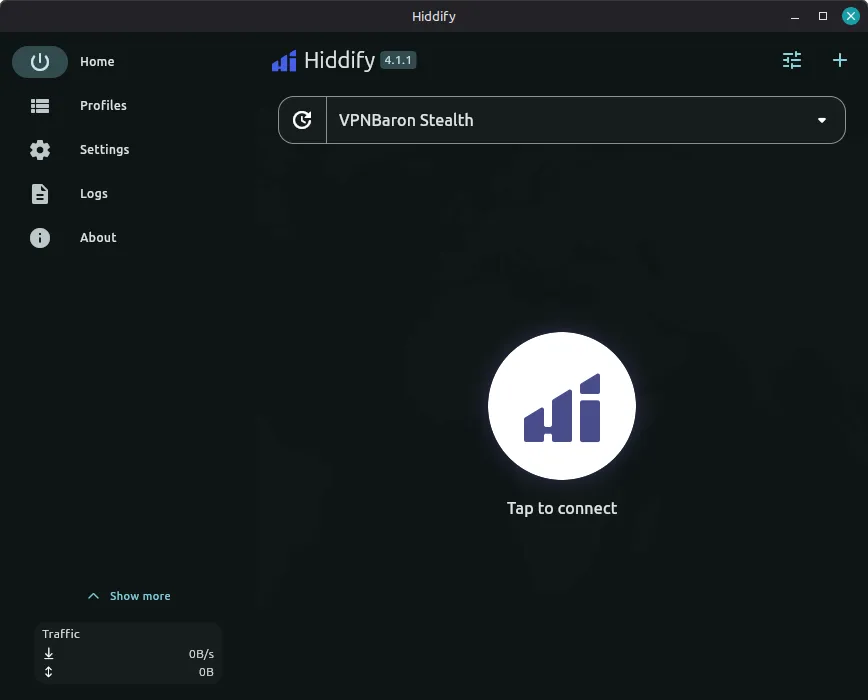
Confirm the profile imported
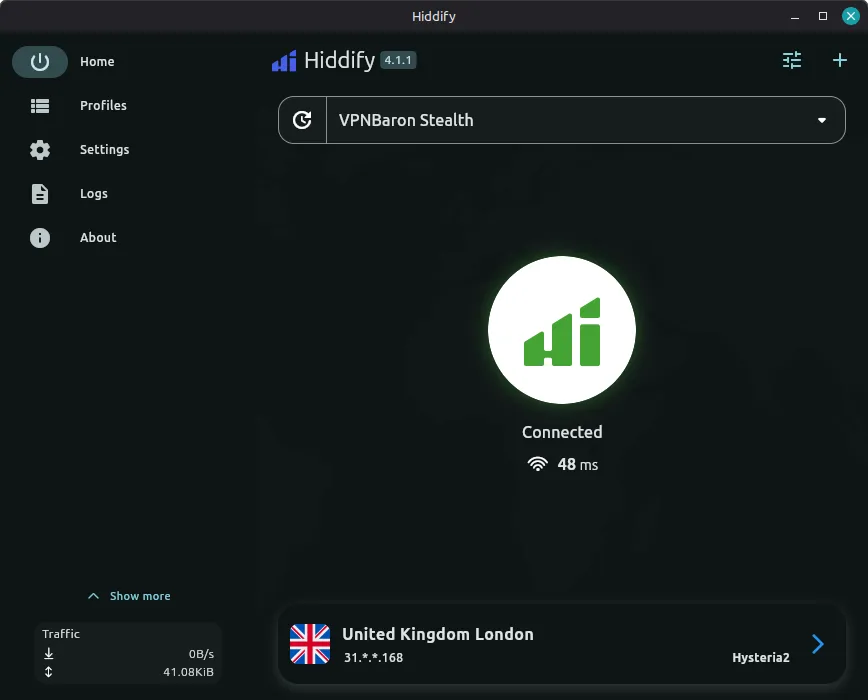
The home screen should now show your VPNBaron Stealth profile. The subscription carries every location in both flavours, VLESS Reality and Hysteria2.
Connect
Click the large button in the centre. When connected, it turns green and shows the active route with its latency.
Pick a specific location or protocol (optional)
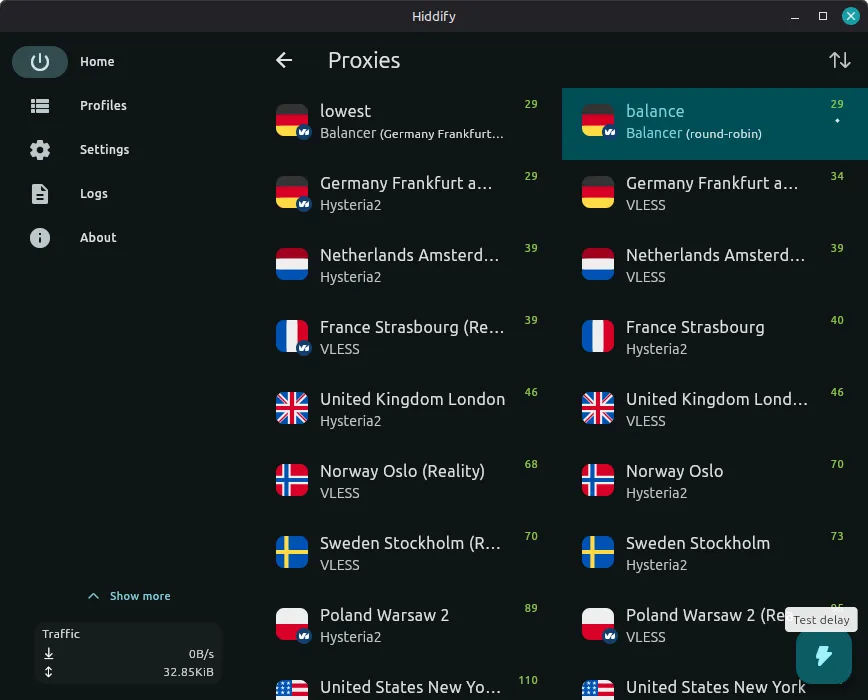
Click the active route card at the bottom. The proxy selector lists every location in both protocols, with live latency numbers, plus two automatic modes: balance (round-robin) and lowest (fastest ping).
Which entry should you pick?
Entry
When
Hysteria2
Default for speed. Excellent on hotel Wi-Fi, congested or throttled networks (needs UDP allowed).
VLESS Reality
When Hysteria2 won’t connect (some networks block unfamiliar UDP entirely). To the firewall this is a normal HTTPS session.
Open What’s My IPin your browser: it should show the VPN server’s IP and location, not yours.
Linux note: browser first, terminal maybe
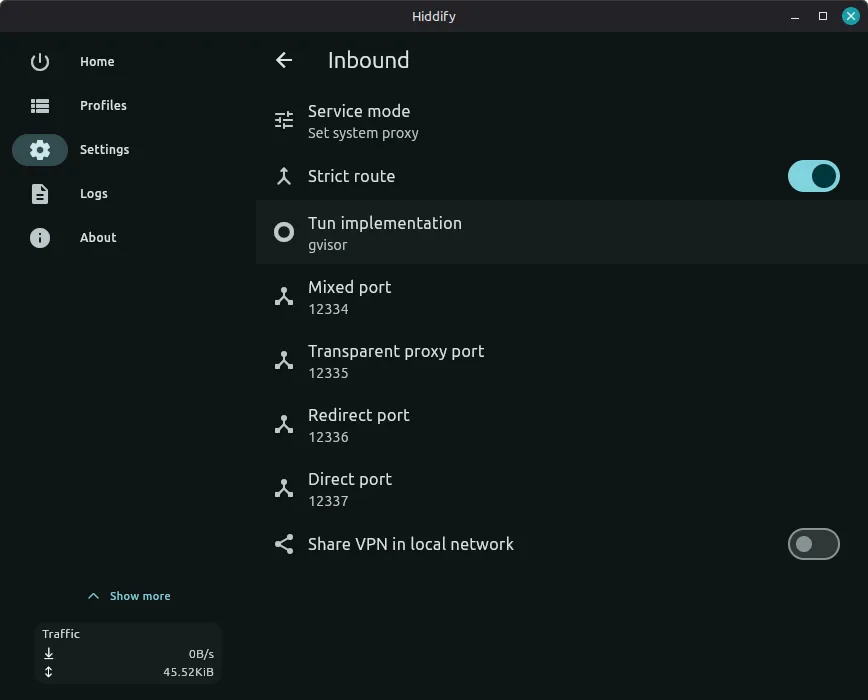
On Linux, Hiddify defaults to Set system proxy mode (visible under Settings → Inbound). Browsers and apps that follow the system proxy go through the tunnel; terminal tools like curl keep using the raw connection unless you point them at the proxy. So verify in the browser, not the terminal. For most desktop use this is exactly what you want.
Keep the profile fresh
We rotate and add servers over time. If a server disappears or misbehaves, refresh/update the profile in Hiddify to pull the current list.