Which VPN protocol should you use?
How VLESS Reality, Hysteria2, WireGuard, IKEv2 and OpenVPN compare, and when the choice of protocol actually matters.
By the VPNBaron team · Updated 17 October 2026 · 4 min read
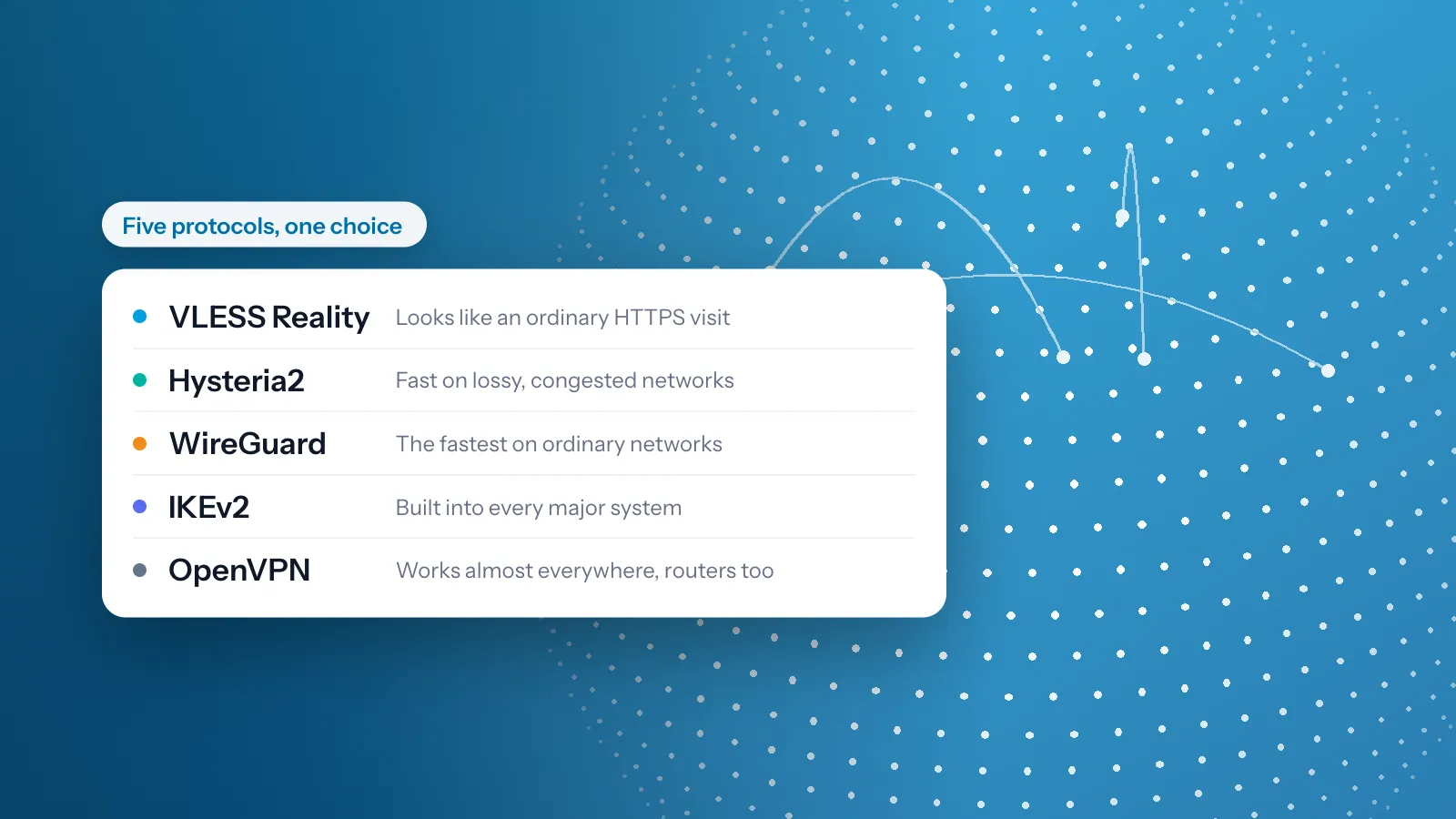
The protocols at a glance
| Protocol | What it is | What the network sees | Strongest at | Pick it manually when |
|---|---|---|---|---|
| VLESS Reality | Stealth protocol over TCP 443 | An ordinary HTTPS session to a real website | Getting through firewalls and deep packet inspection | You are on a censored or filtered network, using V2Box or Hiddify |
| Hysteria2 | QUIC-based stealth protocol | Traffic that resembles HTTP/3 | Lossy, congested, or throttled networks | Your connection is slow or unstable, using V2Box or Hiddify |
| WireGuard | Modern, lean VPN protocol over UDP | Standard WireGuard traffic | Speed on ordinary networks | You want the fastest manual setup, in the free WireGuard app or on a router |
| IKEv2 | VPN protocol built into every major OS | Standard IPsec VPN traffic | Instant reconnects when you switch networks | You want a native setup with no extra software |
| OpenVPN | Veteran open-source VPN protocol | Standard OpenVPN traffic, UDP or TCP | Broad compatibility, including routers | Your device or router only supports OpenVPN |
VLESS Reality
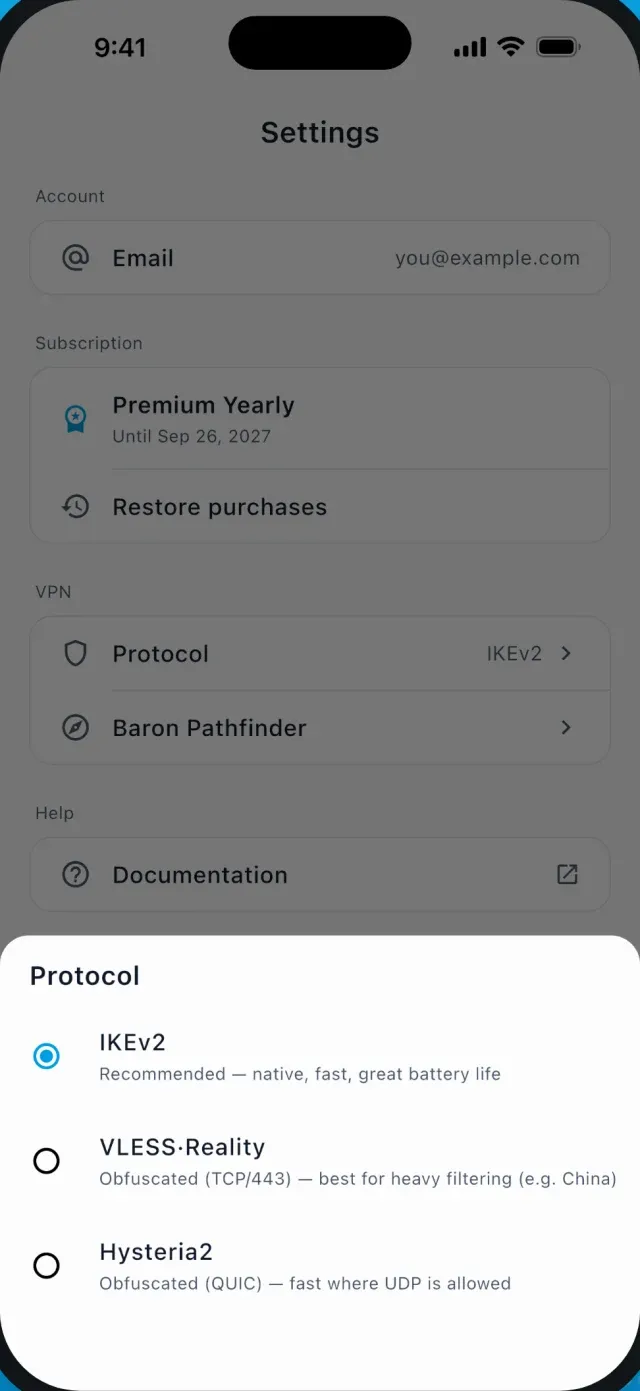
VLESS Reality is our primary stealth protocol. The connection presents itself as an ordinary HTTPS session to a real site, runs over TCP port 443, and survives active probing. Firewalls that fingerprint and block VPN traffic see nothing unusual.
The easiest way to use it is the VPNBaron app for Windows, macOS, Linux, iOS or Android. Pathfinder picks it when it is the best route. For third-party clients, add your stealth subscription to V2Box or Hiddify.
Hysteria2
Hysteria2 runs on QUIC, so its traffic resembles HTTP/3. It excels where connections are poor: packet loss, congestion, and ISP throttling. On networks where TCP-based protocols crawl, Hysteria2 keeps speeds up.
Setup paths are the same as VLESS Reality: use the VPNBaron app, or load your stealth subscription into V2Box or Hiddify. Choosing between the two stealth protocols: Hysteria2 vs VLESS Reality.
WireGuard
WireGuard is the newest of the classic VPN protocols: a small, modern design that runs over UDP. On ordinary networks it’s the fastest protocol we offer. In our tests, the Mac app ran noticeably faster on WireGuard than on IKEv2 over the same connection.
It doesn’t try to hide, though. Its first packets are easy to recognise (how networks spot VPNs), so networks that block VPNs block it too. There, use VLESS Reality or Hysteria2.
WireGuard is built into the VPNBaron Mac app, where it’s the default and Pathfinder switches to another protocol if a network blocks it. It comes to our other apps in their next update. For a manual setup, add a device on the WireGuard page of your dashboard, then import its file or scan its QR code in the free WireGuard app.
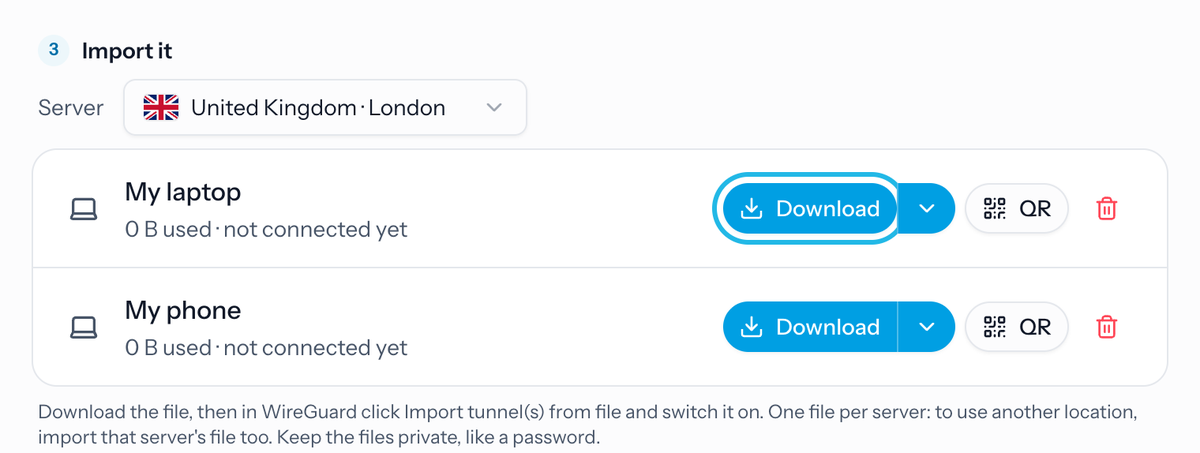
Setup guides: Windows, macOS, iOS, Android, MikroTik and OpenWrt routers.
IKEv2
IKEv2 is natively supported by Windows, macOS, iOS, and Android, so it needs no extra software. It reconnects instantly when you move between Wi-Fi and mobile data, which makes it a solid manual choice for phones and laptops on unrestricted networks.
Setup guides: Windows, macOS, iOS, Android. Your credentials and the server list are on the IKEv2 page of your dashboard (login required).
OpenVPN
OpenVPN is built into the VPNBaron apps for Windows, Android and Linux, and works almost everywhere as a manual setup too, including routers. Download .ovpn config files from the dashboard OpenVPN page. Each server offers a UDP config (faster) and a TCP config (more reliable on strict or unstable networks).
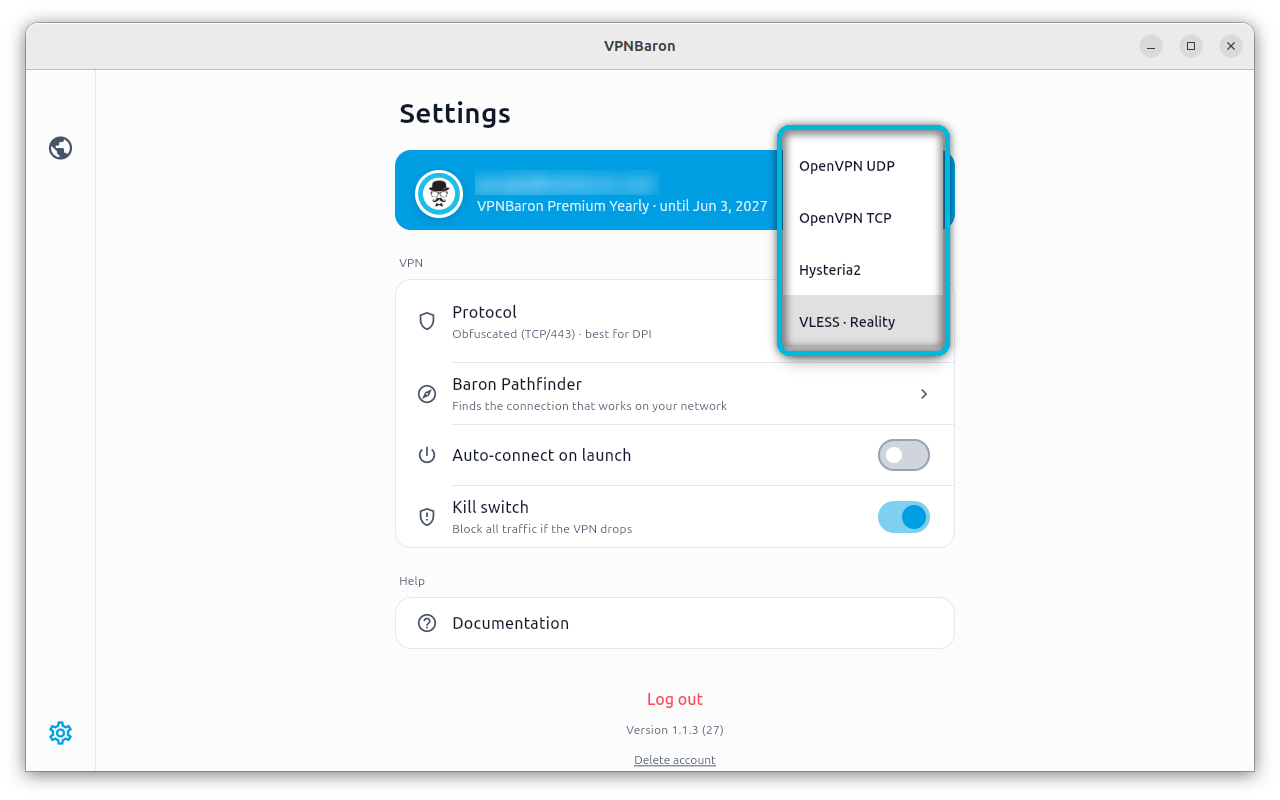
Setup guides: Windows, macOS, iOS, Android, TP-Link and DD-WRT routers.
Trojan (legacy)
Trojan is a legacy option, kept for Clash apps such as Clash for Windows and ClashX, which can’t use VLESS Reality. It runs on port 8443 and works on most networks, but it’s easier to detect than Reality, so on networks that block VPNs, use Reality or Hysteria2. Your Clash link is on the Trojan page. Setup guides: Windows, macOS.
More in VPN protocols·Related: Stealth VPN