

Set Up VPNBaron in Hong Kong
This guide is for people in Hong Kong who want their traffic to leave through an exit somewhere else, on a connection that does not look like a VPN. It uses the VPNBaron app, which runs the stealth protocols (VLESS Reality and Hysteria2) out of the box; a manual client is optional and covered at the end.
The setup is the same on iPhone, Android, Windows and Mac. Total time is a few minutes.
Before you start
You need an active VPNBaron plan. Create an account and choose a plan if you have not yet; every plan includes every protocol and every location.
If you are going to travel to Shenzhen or elsewhere on the mainland, do this setup before you cross. The separate mainland guide covers what to check first.
Setup
-
Install the app and sign in
Get the app for your device from the recommended apps pages: iOS, Android, Windows or macOS. Sign in with the account you used to subscribe. No credentials to copy; the app fetches everything.
-
Pick an exit outside Hong Kong
Open the server list. For everyday use from Hong Kong, pick a nearby location elsewhere in East or Southeast Asia: those are the closest exits outside the territory. Australia is a little further. For services tied to another country, pick an exit there: a US location for American services, one in the UK or elsewhere in Europe for European ones.
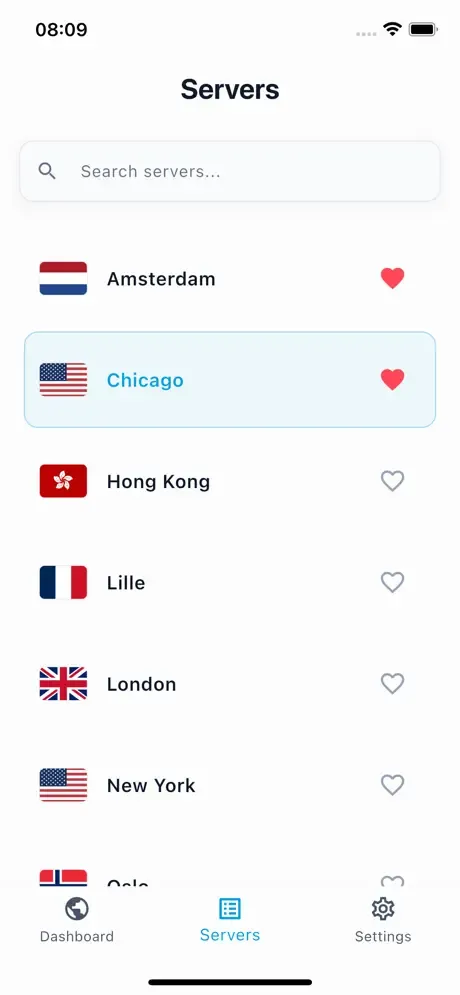
If the list has a location in Hong Kong itself, use it only when you want privacy from the Wi-Fi you are on and the lowest possible latency; your traffic still exits inside Hong Kong in that case.
-
Connect
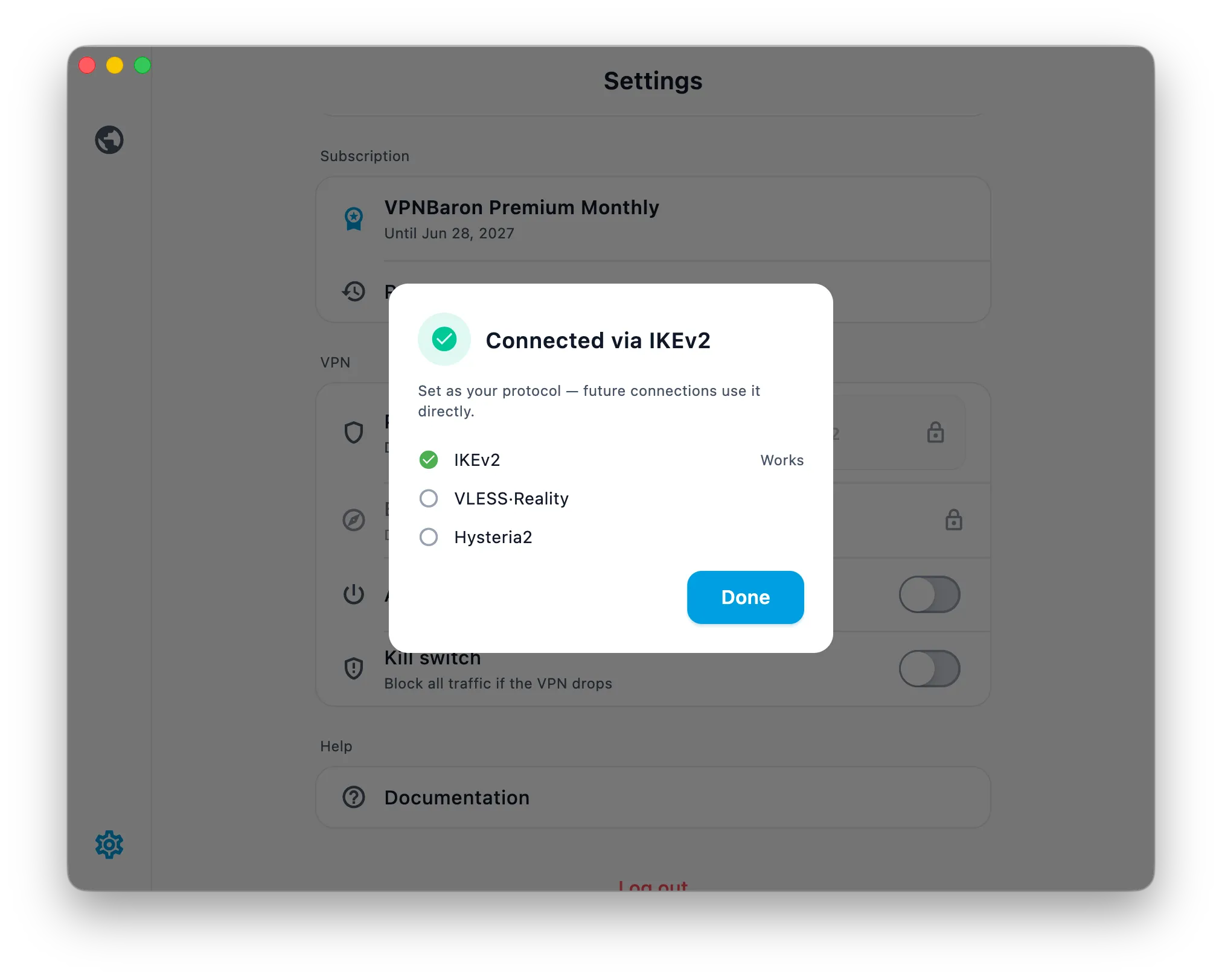
Tap connect. Baron Pathfinder tests the available routes against the network you are on and connects with the one that works. On most Hong Kong networks that will be VLESS Reality or Hysteria2; both look like ordinary HTTPS to the network.
-
Check that it worked
Open What is my IP or any IP-check site in your browser. It should show the country of the exit you picked, not Hong Kong. That is all: browsing, apps and streaming now go through that exit.
Which protocol you are on, and why it matters
Pathfinder shows the protocol it chose next to the connection status. VLESS Reality is the most stealthy option: a genuine TLS session on port 443 that a network cannot tell apart from a website visit. Hysteria2 trades a little of that for speed on weak or throttled connections. Both are included, and you can pin one manually in the app’s settings if you prefer. The differences are explained in Hysteria2 vs VLESS Reality.
If a network ever starts interfering with the connection, Pathfinder retries the other routes on its own. You will usually not notice.
Using a third-party client instead
You do not have to use the VPNBaron app. Your Stealth subscription link on the Stealth Mode page of your dashboard imports into V2Box on iPhone, Android and Mac, or Hiddify on Windows and Linux, and gives you every location in both protocols with a manual selector. IKEv2 and OpenVPN are on the IKEv2 and OpenVPN pages for routers and native OS setups; see the manual setup guides.
Troubleshooting
- The app connects but a site still shows Hong Kong. Some sites cache your location. Reload once, or open the site in a private window.
- Slow on one exit. Try another nearby exit in Asia or let the app’s automatic selection pick. Speed varies with the network you are on far more than with the server.
- A network blocks everything. Switch between Wi-Fi and mobile data once; if one is filtered, the other usually is not. Pathfinder will re-test on the new network.
Need a hand? Reply to any of our emails or open a ticket from your dashboard; we answer.