

Before You Cross to Shenzhen: Set Up VPNBaron for the Mainland
Networks on the mainland inspect traffic closely and interfere with connections they recognise as VPNs. VPNBaron’s stealth protocols, VLESS Reality and Hysteria2, were built for exactly that: to the network they look like ordinary HTTPS. The one thing that decides whether your trip goes smoothly is doing the setup before you cross, while you still have an unfiltered connection.
The checklist, on this side of the border
-
Install the app and sign in
Do it on every device you are taking. Signing in needs a normal connection; do not leave it for the other side. Follow Set Up VPNBaron in Hong Kong if the app is new to you.
-
Connect once and confirm it works
Connect, then open any IP-check site and confirm it shows the exit you picked. Now the app has fetched its full server list and your subscription; it will not need to download anything on arrival.
-
Pick your exit
Choose Hong Kong, Tokyo, Seoul or Singapore: they are the shortest paths back out, which matters more on a filtered network than anywhere else. Change exits later if you need a specific country.
-
Keep a second way in
Optional, but worth two minutes. Copy your Stealth subscription link from the Stealth Mode page and import it into V2Box or Hiddify as well. If you ever cannot open the VPNBaron app itself, the manual client already has every server.
-
Save this page
Bookmark it or save it for offline reading. Help pages are exactly the kind of site that may be slow or unreachable once you are across.
On the other side
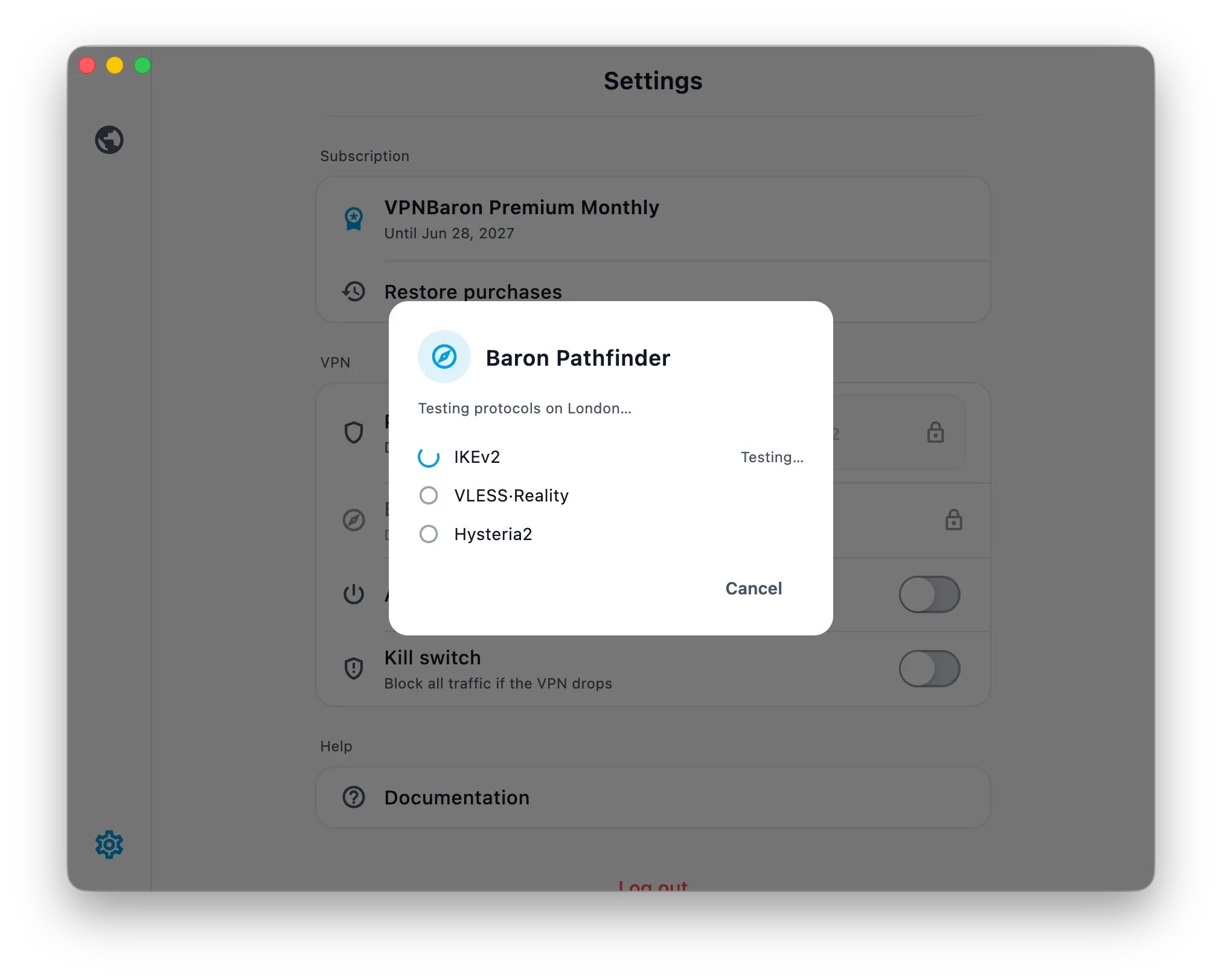
Open the app and connect. Pathfinder tests the routes against the network you are on and picks one that works. Give it a moment on the first connection; it is doing more testing than at home.
If a route is throttled or drops, Pathfinder tries the next one on its own. You can also switch manually:
- VLESS Reality is the most stealthy: real TLS on port 443, indistinguishable from a website visit.
- Hysteria2 is faster on lossy or throttled connections and worth trying if Reality feels slow.
Hysteria2 vs VLESS Reality explains the trade-off.
If nothing connects
Work through these in order; one of them almost always does it.
- Switch networks. Mobile data and hotel or office Wi-Fi are filtered differently. If one fails, the other often works. Reconnect after switching so Pathfinder re-tests.
- Pin the other protocol. In the app’s settings, force Hysteria2 if Reality is not getting through, or the reverse.
- Try another exit. Hong Kong, Tokyo, Seoul or Singapore, then anything else. Individual servers can be slow at particular hours.
- Use the manual client you set up in step 4 above, and pick a Reality server by hand.
- Restart the app, then the device. Unglamorous, and it clears more than you would expect.
If none of that works, note the time, the network you were on and the protocol shown, and send it to support when you have a connection. That detail is what lets us fix it quickly.
What to expect
Speed on the mainland depends on the network far more than on VPNBaron. Expect it to be usable for messaging, mail, maps and video calls; large downloads and 4K video are best left for Wi-Fi you trust. Keep the app connected in the background rather than reconnecting for every use; the first connection on a filtered network is the slow part.